Language Servers
Language Servers are external tools that can provide Nova with additional, language-specific intelligence about your project. This can include better and more relevant completion suggestions, checking your code for issues and warnings, providing documentation when hovering over a symbol, and more.
Nova is compatible with language servers that conform to the Language Server Protocol (microsoft.github.io).
Enabling Language Servers
You can configure language servers in Nova’s Settings > Languages.
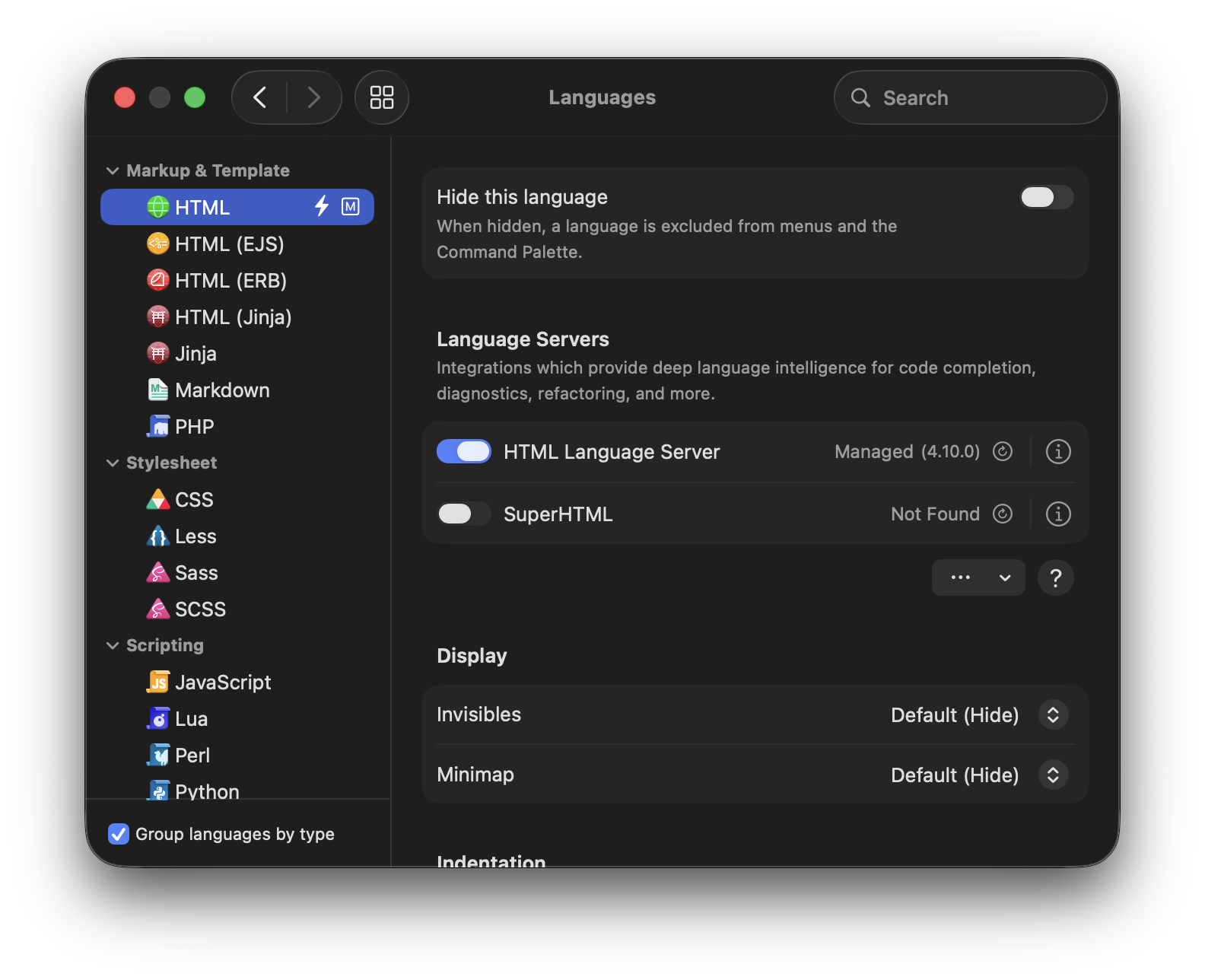
If you already have a language server installed on your Mac, Nova can automatically detect the existing installation - all you have to do is enable it. If you don’t already have a language server installed, Nova can install and manage copy of the language server for you. Just click the  icon to the right of a language server, and you’ll find an option to install the server.
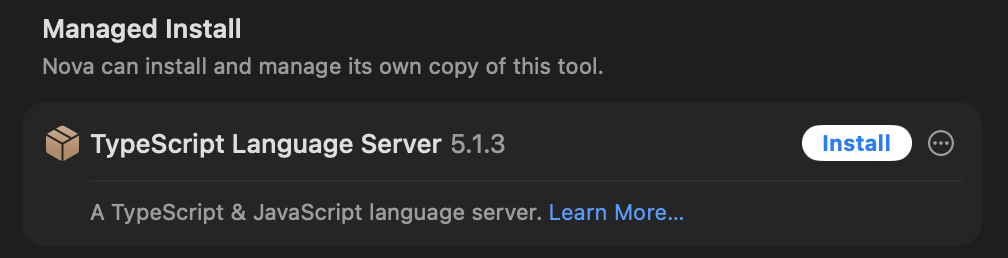
Nova automatically knows about many compatible language servers, but you can also manually point Nova to practically any language server that you have installed on your Mac.
Read More:
NOTE: Language servers installed by Nova are not developed by Panic. Panic can provide support for using these tools within Nova, but any issues with the language servers themselves should be reported to the developers of that server.
Language Server Features
Language servers automatically enhance many built-in Nova features. For instance, the additional intelligence provided by a language server allows Jump to Definition to correctly jump to the specific definition of a symbol as used in a particular context, even if that symbol may have multiple definitions in your project.
Additionally, there are a few unique capabilities only provided by language servers.
NOTE: Not all language servers support all of the features listed below.
Hovers
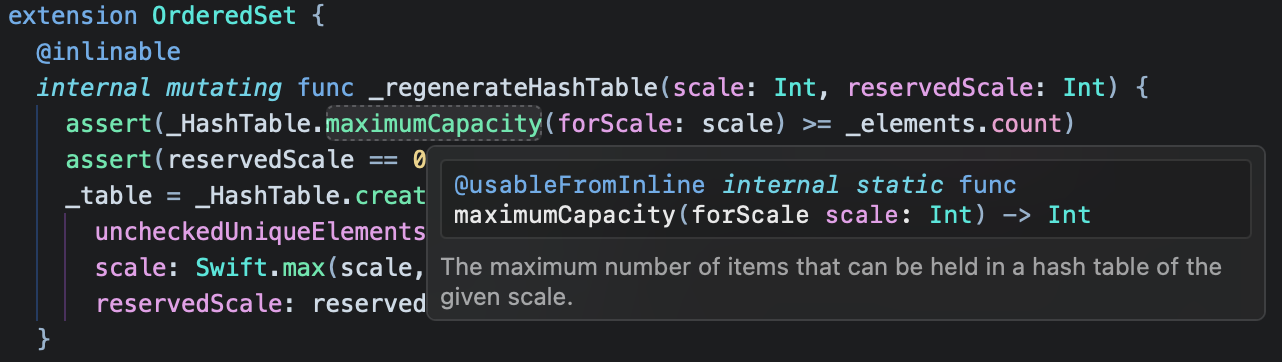
Language servers can provide contextual hover information. Just hover your cursor over a symbol, and Nova can display type information, arguments, and documentation.
Signature Help
When making calls to functions or methods, language servers can display signature help, showing you required or optional arguments for the function in question.
Code Actions
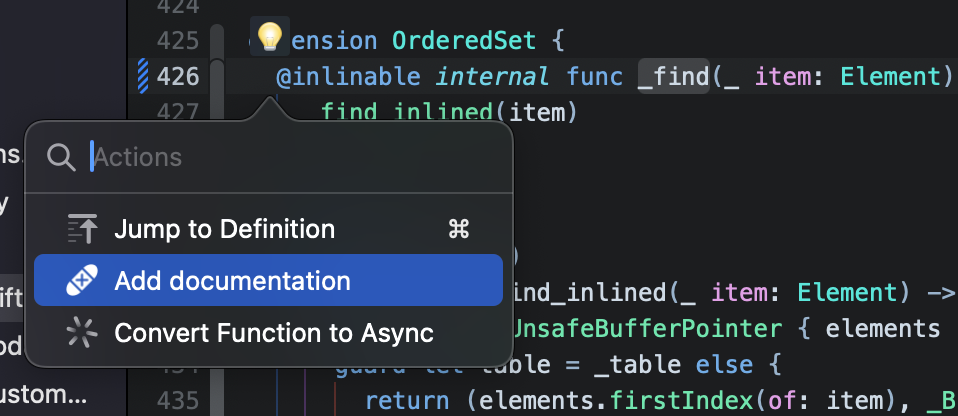
Language servers may suggest code actions relevant to particular sections of code. This can include formatting commands, refactoring, or adding missing comments or documentation. A  light bulb icon will appear over code with available actions.
|
← Previous Comparison View |
Next → Vim Mode |